
Newsletter
Stay Updated
Subscribe to FrontendGeek Hub for frontend interview preparation, interview experiences, curated resources and roadmaps.
Newsletter
Subscribe to FrontendGeek Hub for frontend interview preparation, interview experiences, curated resources and roadmaps.
Social Tools
Free Anonymous Instagram Viewer to watch Stories, Reels, Posts, and Highlights from public Instagram accounts Online. No Instagram Login Required.
Related
How to use
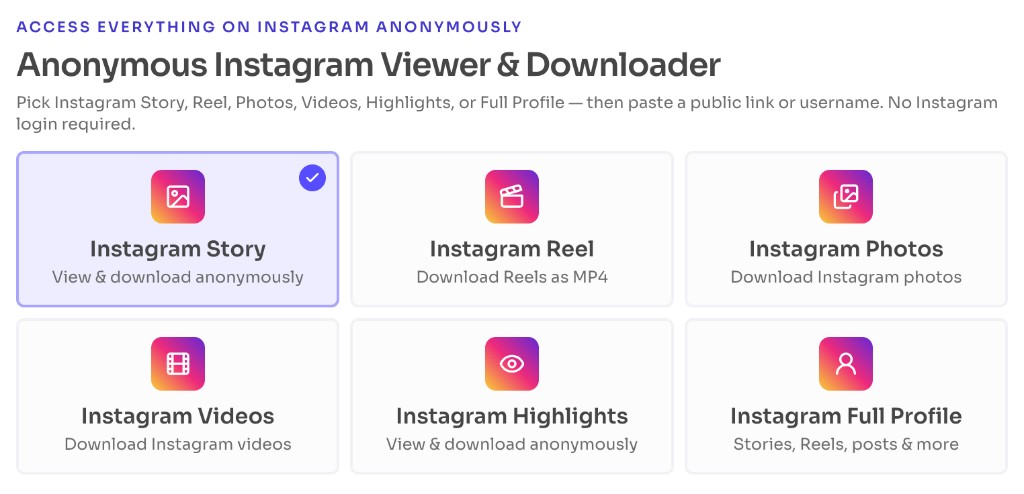
Select Instagram Story, Reel, Photos, Videos, Highlights, or Full Profile from the options above to load the matching anonymous viewer or downloader.
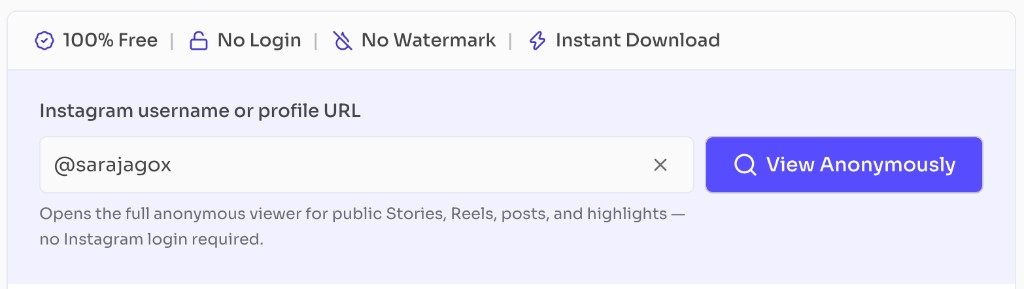
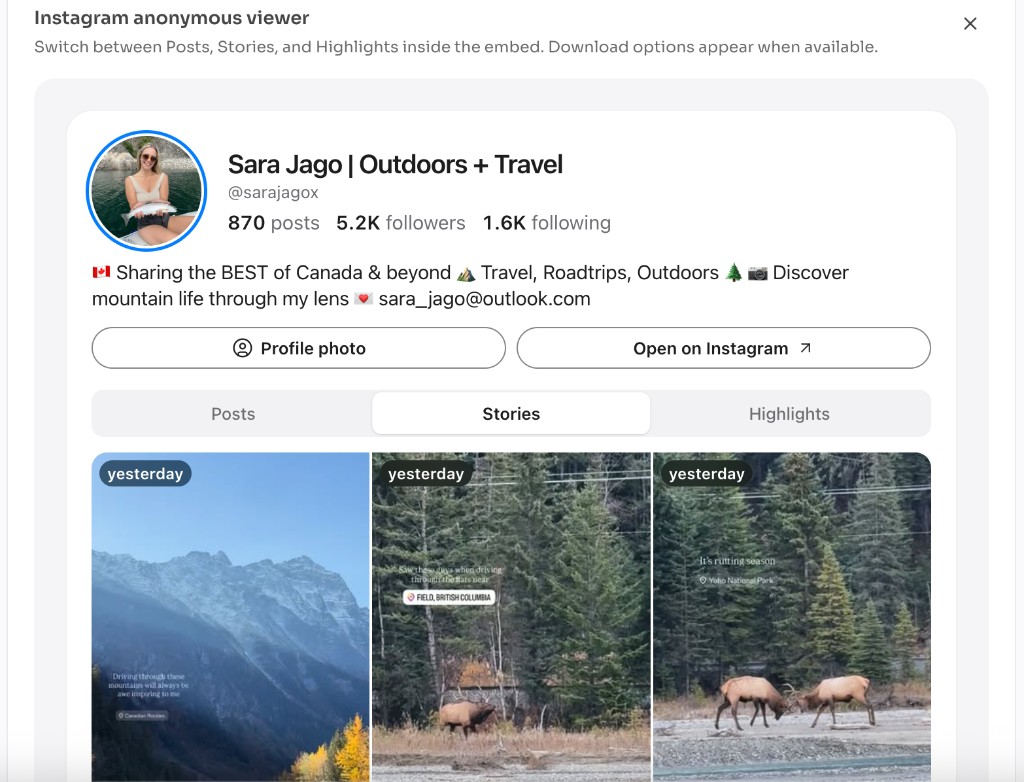
Type @username or paste https://www.instagram.com/username/, then click View Anonymously to load the anonymous Instagram embed for that account.
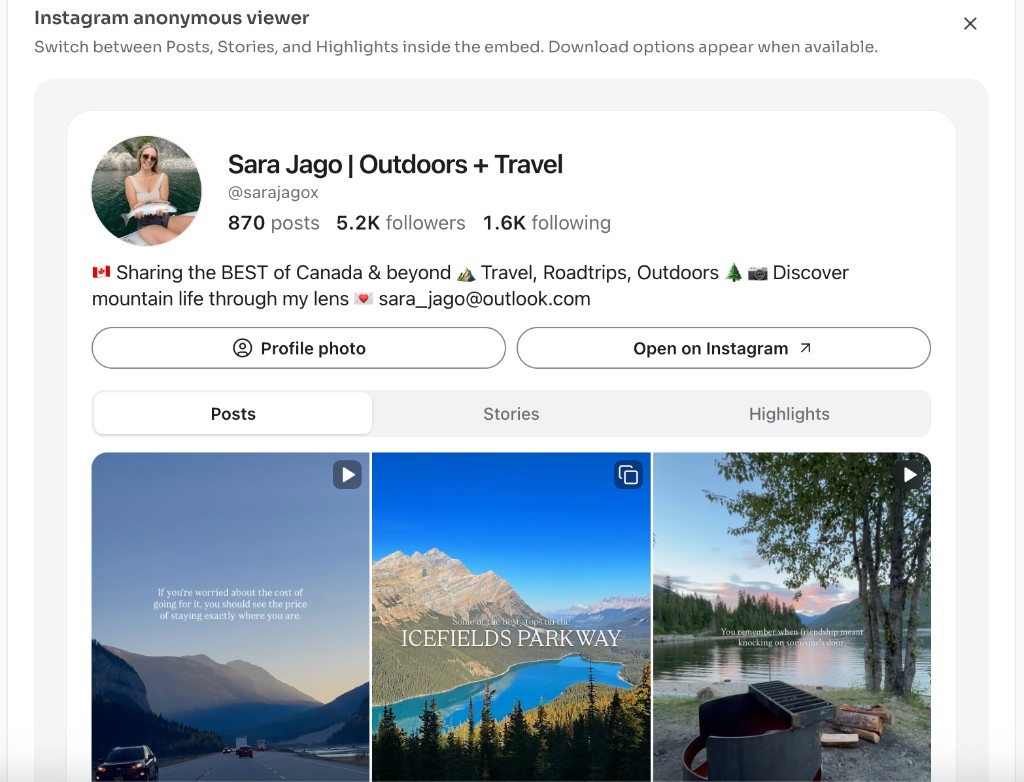
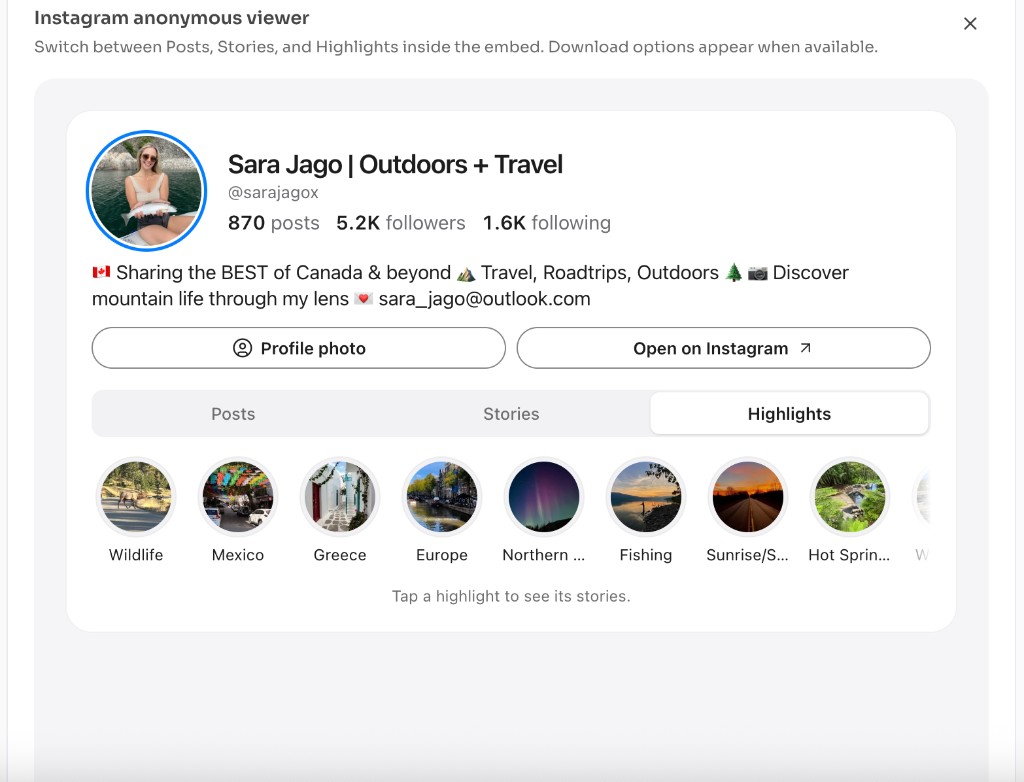
Switch tabs inside the viewer to open the post grid, active Stories, or Highlights for that public profile. For Stories-only browsing, use the Anonymous Instagram Story Viewer.
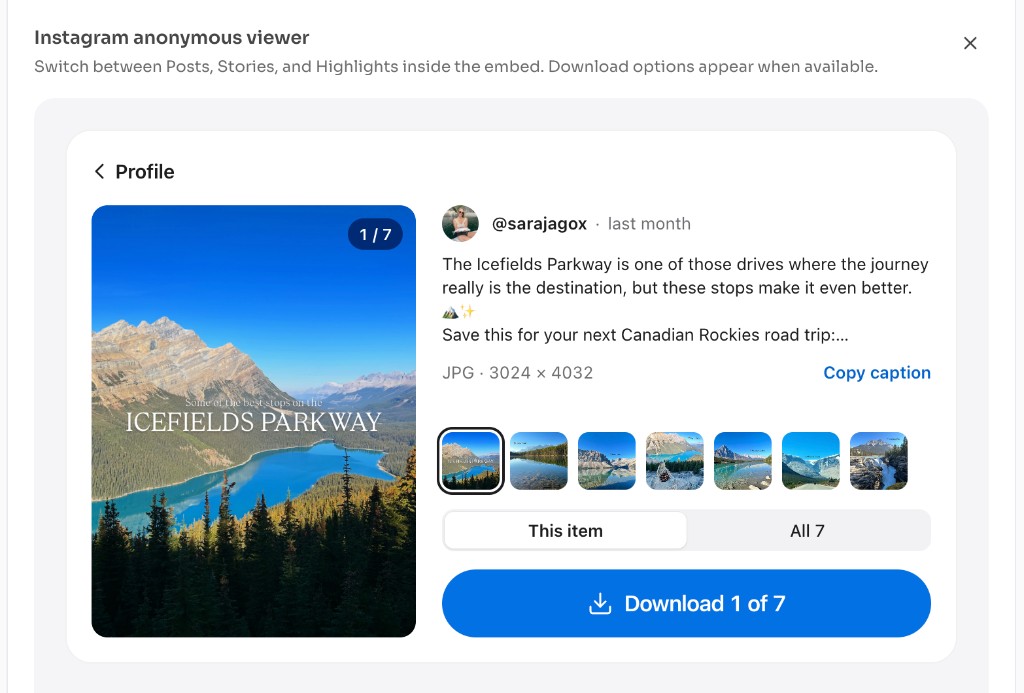
Open a public post or media item and use Download when the embed shows a save action — only keep files you have permission to save. Prefer a dedicated save flow? Try the Instagram Story Downloader.
Why use it
Choose this Anonymous Instagram Viewer when you want a fast, private way to open public Instagram profiles without signing in. One search loads Stories, Reels, posts, and highlights in your browser — useful on a shared device, when you are logged out, or when you simply do not want the Instagram app tying every view to your account.
Features
Stories, Reels, posts, and highlights from one public profile lookup — no tab-hopping across separate tools.
View public accounts anonymously in your browser so lookups stay off your Instagram account.
Works on phones, tablets, and desktops. For Reels saves, pair this page with the Instagram Reel Downloader.
Save public media when the embed exposes a download button, or use the Instagram Downloader for video-focused saves.
Open the public grid, then preview individual posts or Reels when available.
If the account has live Stories, open the Stories tab before they expire (usually within 24 hours).
Browse saved Story highlights that the public profile still exposes.
See avatar, bio, and public stats alongside the media tabs when the embed returns them. For deeper stats on an instagram profile, use the Follower Tracker.
The Instagram app always ties Story views and many interactions to a logged-in account. An anonymous Instagram Viewer is for quick public lookups when you do not want to open the app — for example researching a brand profile, checking whether Stories are live, or browsing a creator’s highlights on a shared computer.
| Feature | Anonymous Instagram Viewer | Instagram app |
|---|---|---|
| Instagram login | Not required for public profiles | Required to use the app |
| Browse public posts & Reels | Yes — open the Posts tab in one search | Yes — while signed in |
| View active Stories | Yes — public Stories when the embed supports them | Yes — and views can show on your account |
| Open Highlights | Yes — public highlights from the profile | Yes — inside the signed-in app |
| Like, comment, follow, message | No — viewing and download only | Yes — full social interactions |
| Private or restricted accounts | Not supported | Visible only if you are allowed to follow/view |
| Best for | Quick public research without opening the app | Daily Instagram use and account management |
FAQ
Quick answers about Anonymous Instagram Viewer — Stories, Reels, Posts & Highlights.
Open this Anonymous Instagram Viewer, enter a public username or profile URL, click View Anonymously, then open the Stories tab. Because the tool does not use your Instagram login, the view is not tied to your Instagram account the way the official app is.
Guides
Step-by-step Instant Download help, format comparisons, and troubleshooting from the Tools Guide.
Help others discover this free tool
Explore