
Newsletter
Stay Updated
Subscribe to FrontendGeek Hub for frontend interview preparation, interview experiences, curated resources and roadmaps.
Newsletter
Subscribe to FrontendGeek Hub for frontend interview preparation, interview experiences, curated resources and roadmaps.
Social Tools
Format LinkedIn Post Content Instantly with our Free LinkedIn Text Formatter. Add Bold, Italic, line breaks, bullet points, emojis, and live Preview. Create perfectly formatted LinkedIn posts Every time.
Related
Overview
A LinkedIn text formatter helps you structure long-form posts with readable line breaks, bullet points, bold, italic, and code styling. Preview how your post will look on LinkedIn before you paste it into the composer. Many creators also search for a LinkedIn Post Formatter when they want the same formatting workflow with a live preview.
How to use
Paste or type your LinkedIn post into the editor on the left.
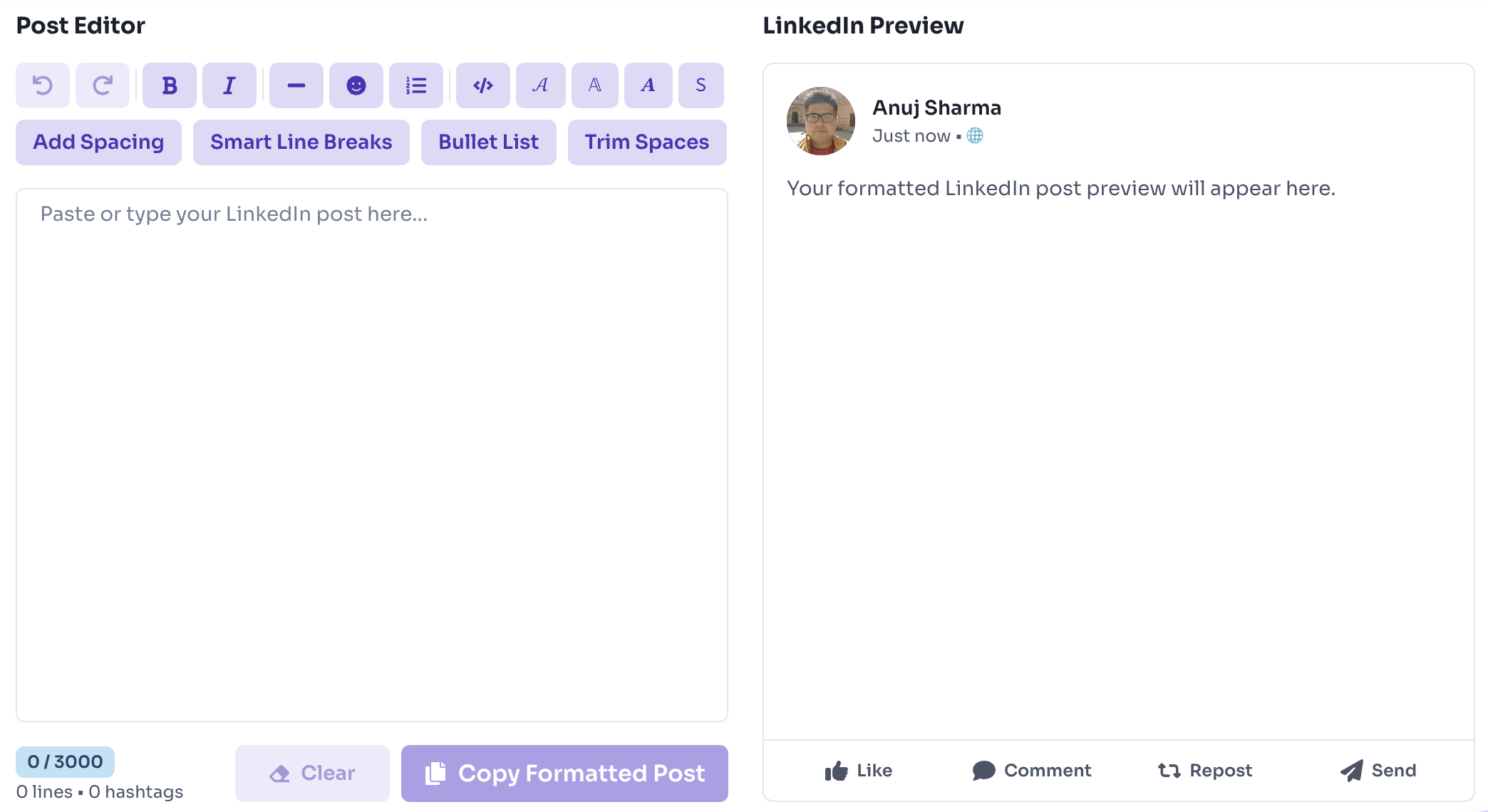
Use toolbar actions to add bold, italic, code, spacing, bullets, emojis, or smart line breaks.
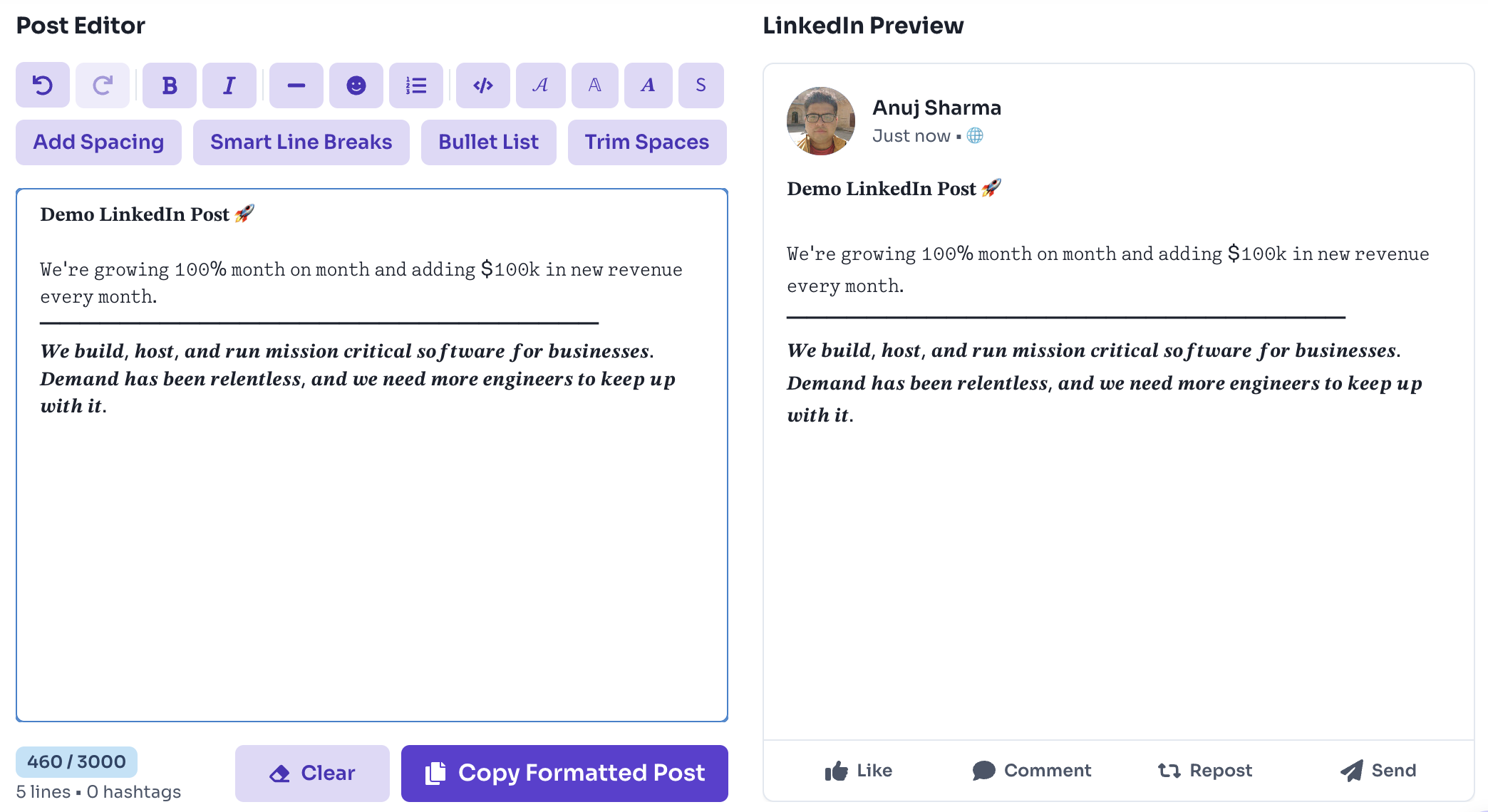
Review the live LinkedIn preview, then copy your formatted text. A LinkedIn Post Formatter workflow like this saves time before every publish.
Why use it
Features
Live LinkedIn-style post preview
Bold, italic, code, script, and double-struck Unicode styling
3,000 character counter with hashtag count
One-click spacing, bullets, emoji lists, and cleanup actions
Copy formatted text instantly — works entirely in your browser
FAQ
Quick answers about Free LinkedIn Text Formatter.
LinkedIn allows up to 3,000 characters in a standard post. This LinkedIn text formatter tracks your count in real time.
Guides
Format comparisons and quality help from the Tools Guide.
Help others discover this free tool
Explore