
Newsletter
Stay Updated
Subscribe to FrontendGeek Hub for frontend interview preparation, interview experiences, curated resources and roadmaps.
Newsletter
Subscribe to FrontendGeek Hub for frontend interview preparation, interview experiences, curated resources and roadmaps.
Image Tools
Instantly pixelate or blur multiple part of any JPG, PNG, WebP image online using free Pixelate Image Generator. Free, Fast & No Account Required.
Related
Overview
Pixelation groups nearby pixels into larger blocks so details become unreadable. Blur softens the same area instead. Use either effect to hide faces, IDs, or other sensitive spots while keeping the rest of the photo clear.
Add one or more selections, then set Pixelate or Blur, Rectangle or Circle, and amount for each area. The preview updates as you move or resize the markers.
JPG, PNG, WebP, and similar images stay on your device. Need a tighter frame first? Use the Image Cropper.
How to use
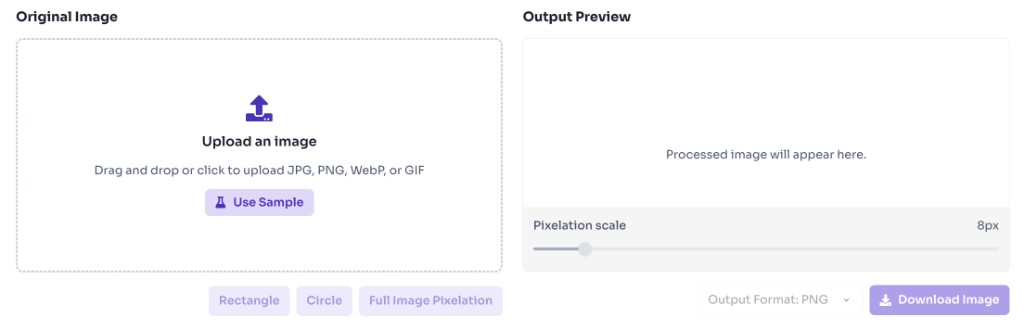
Click Upload file or drag and drop a JPG, PNG, WebP, or other image. Processing stays in your browser.
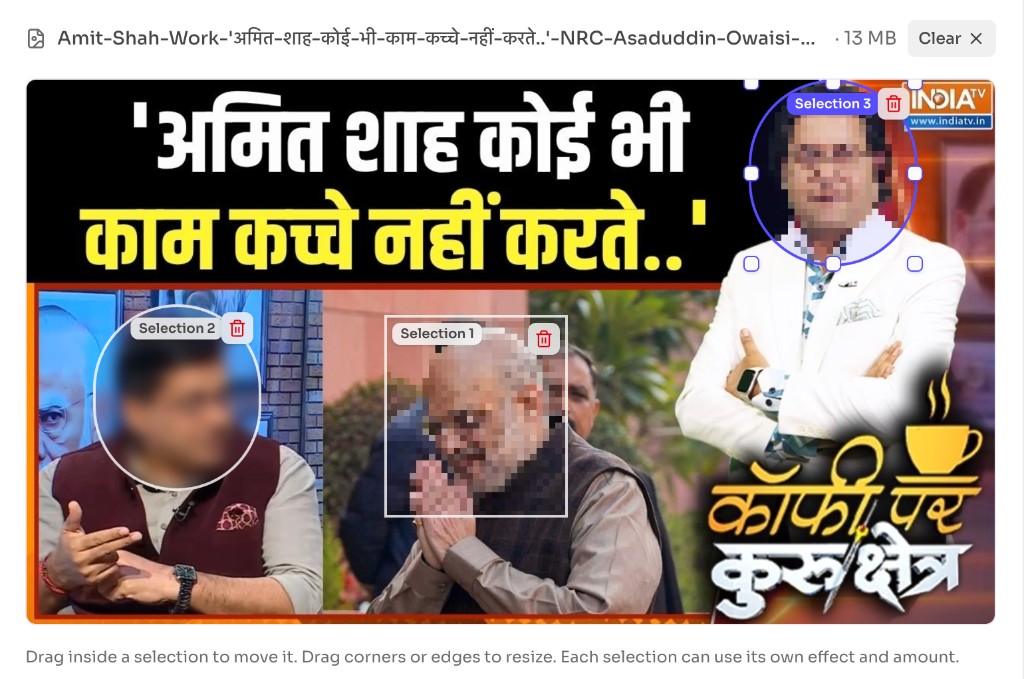
Drag and resize one or more selection markers on the image. Each marker can cover a different area you want to pixelate or blur.
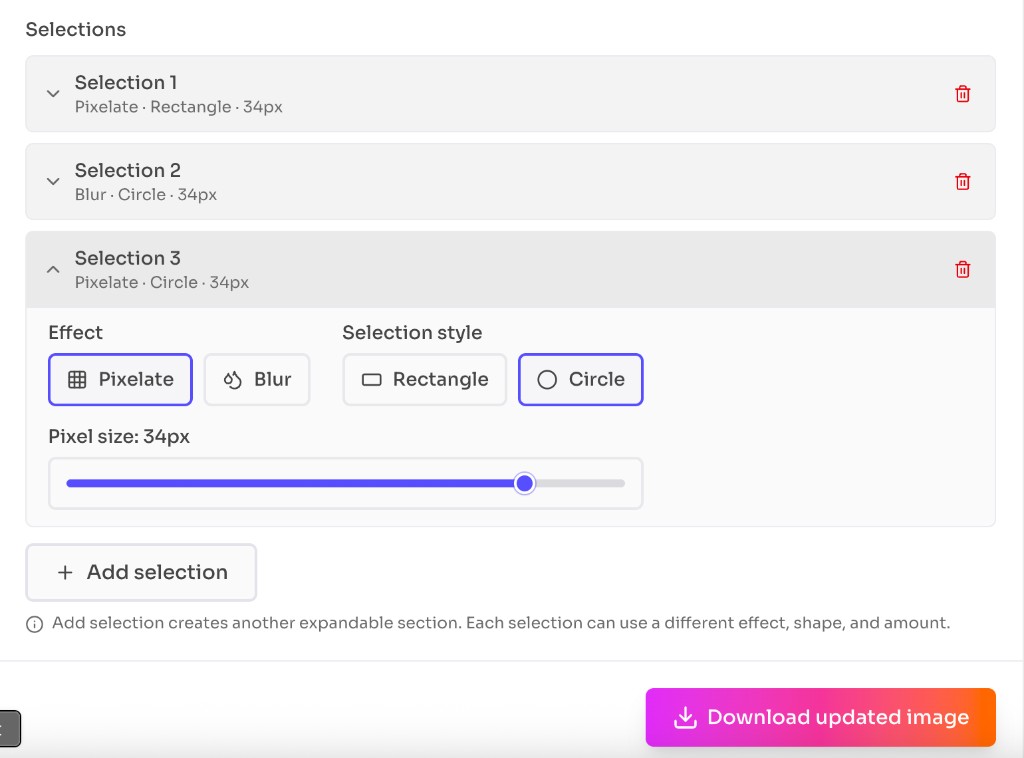
Open a selection accordion to choose Pixelate or Blur, Rectangle or Circle, and the amount. Add new selection for more areas, then download the updated image.
Why use it
Use pixelate or blur when you need to share a photo but hide specific details. Add one marker for a single face, or several markers when a screenshot has more than one sensitive area.
Features
Choose Pixelate for a blocky mosaic or Blur to soften faces, IDs, and other details.
Add as many markers as you need and hide several regions in a single pass.
Each expandable selection can use its own effect, shape, and amount.
Cover square patches with a rectangle, or round subjects like faces with a circle.
Move the pixel size or blur amount slider and see the result update on the preview.
Watch pixelate and blur apply as you drag, resize, or change a selection’s settings.
Upload JPG, PNG, WebP, and similar formats, then download the edited result as PNG.
Images stay on your device — no upload, account, or watermark required.
FAQ
Quick answers about Pixelate Image Generator.
Image pixelation is a visual effect that reduces image resolution by grouping pixels into larger blocks. This creates a retro, blocky appearance where fine details are replaced with larger colored squares. It's commonly used for privacy protection, artistic effects, or creating retro-style graphics.
Help others discover this free tool
Explore