PNG to JPG Converter Online
Convert PNG to JPG online for free in seconds. Upload a PNG image, preview the JPG output, and download instantly in your browser.
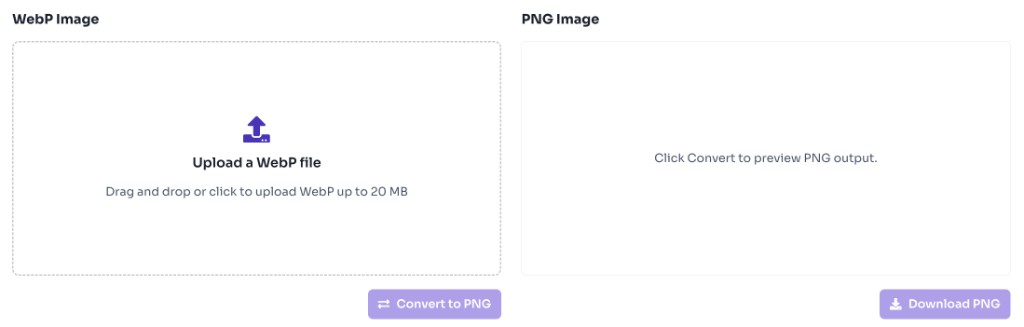
PNG Image
Upload a PNG file
Drag and drop or click to upload PNG up to 20 MB
JPG Image
Click Convert to preview JPG output.
What is an Online PNG to JPG Converter?
An online PNG to JPG converter changes PNG images into JPEG files, which are often smaller and easier to share on platforms that prefer JPG.
Benefits
• Convert PNG to JPG in seconds
• Preview JPG output before download
• Useful for reducing file size on photo-style images
• Works entirely in your browser
• No signup or watermark
Use this PNG to JPG converter when JPG compatibility or smaller file size matters more than PNG transparency.
What is a JPG vs PNG?
JPG (JPEG) and PNG are two of the most common image formats on the web. Both store photos and graphics, but they work differently — which is why converting between them is useful depending on your goal.
JPG (JPEG)
• Uses lossy compression, so file sizes are usually smaller
• Best for photographs, product images, and realistic scenes
• Does not support transparency
• Widely accepted by forms, email clients, and social platforms
• Repeated editing and saving can reduce image quality over time
PNG
• Uses lossless compression, so detail is preserved on each save
• Best for logos, icons, screenshots, and graphics with sharp edges
• Supports transparent backgrounds
• Larger file sizes than JPG for photo-style images
• Ideal when you need editing flexibility or overlay graphics
Choose JPG when smaller file size and broad compatibility matter most. Choose PNG when you need transparency, sharper graphics, or lossless quality. Our converters let you switch between the two in seconds.
When to use PNG to JPG Converter?
PNG is ideal for graphics with transparency, but JPG is often better for photographs and upload limits.
Common use cases
• Reducing image size for email attachments and CMS uploads
• Converting screenshots or photos saved as PNG into JPG
• Meeting form or platform requirements that only accept JPG
• Preparing product or blog images for faster loading
• Sharing images in tools that handle JPG more efficiently
Transparent PNG areas are filled with a white background when converted to JPG because JPEG does not support transparency.
How to Use PNG to JPG Converter Online?
Upload Your PNG
Upload a PNG file up to 20 MB using drag and drop or the upload button.

Convert to JPG
Click Convert to JPG to generate the JPG preview.
Download JPG
Download the converted JPG file instantly.

Frequently Asked Questions - FAQs
Is this PNG to JPG converter free?
Yes. This tool is completely free with no login required.
What happens to transparent areas?
Transparent PNG pixels are converted to a white background in the JPG output.
Are my images uploaded to a server?
No. Conversion happens locally in your browser.
Is this converter safe to use?
Yes. Your files are processed entirely in your browser and are not uploaded to our servers, stored, or shared.
More Tools
Discover more free tools to boost your productivity
Gradient
HEX: #ff5733
RGB: 255, 87, 51
HEX: #4a90e2
RGB: 74, 144, 226
Blog Post
Transform your content...
Social Post