
Newsletter
Stay Updated
Subscribe to FrontendGeek Hub for frontend interview preparation, interview experiences, curated resources and roadmaps.
Newsletter
Subscribe to FrontendGeek Hub for frontend interview preparation, interview experiences, curated resources and roadmaps.
Social Tools
Free Instagram Image Downloader Online — Paste an Instagram photo link and download HD JPG images in seconds. Instant download, no watermark.
Related
Overview
An Instagram Image Downloader lets you save HD photos from Instagram photo posts. Paste a public Instagram /p/ link, preview the image, and download the JPG when you are ready.
How to use
Paste a public Instagram photo post URL into the Instagram image URL box and click Fetch Image to load the preview.
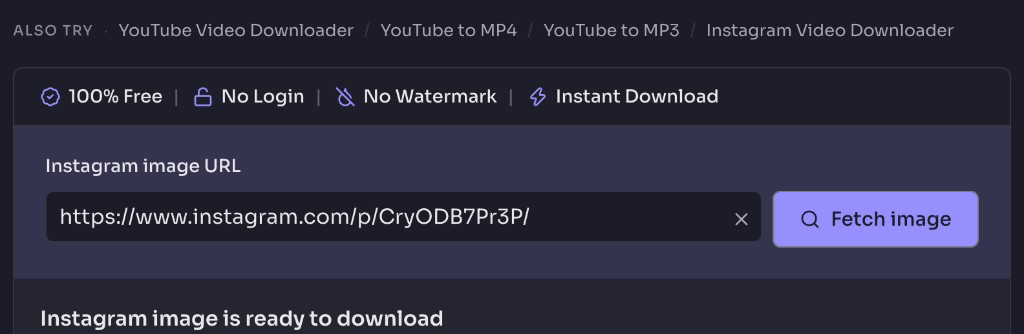
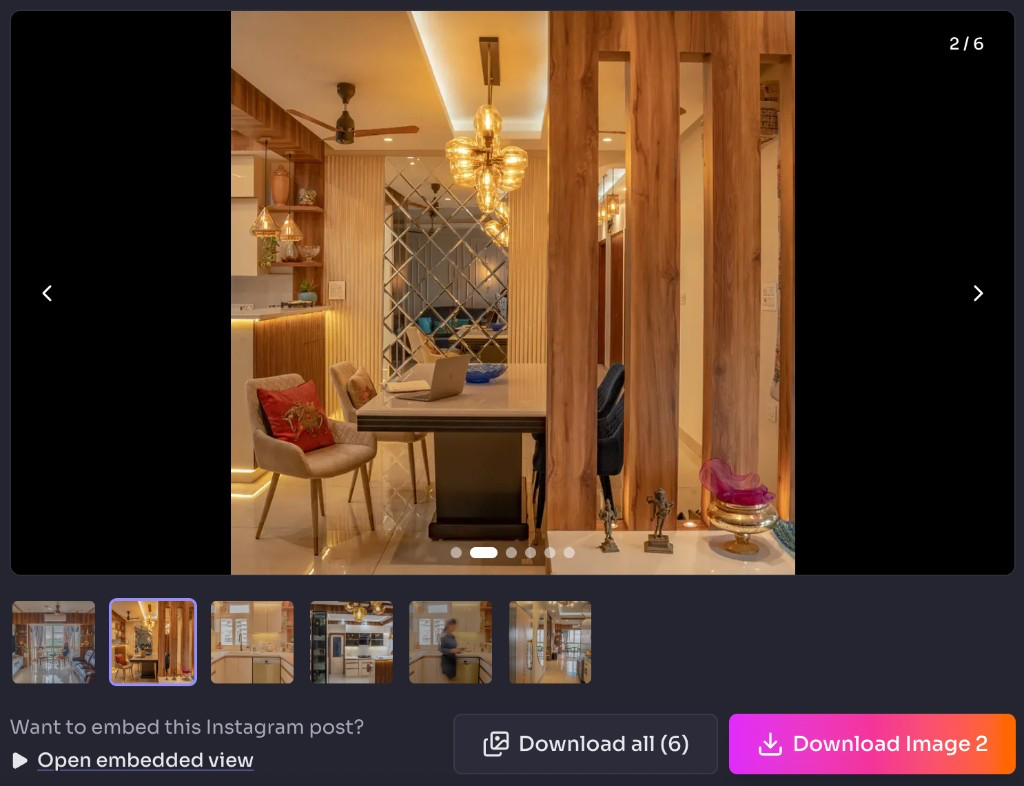
When the Instagram image is ready to download, browse the carousel if needed, then click Download Image for the current photo or Download all to save every image.
Why use it
Features
Preview media freely; a free sign-in unlocks the download.
See the thumbnail and media details before saving.
Works on phones, tablets, and desktop browsers.
No software installation or browser extension needed.
Swipe or tap through multi-image posts, then download one photo or all images together.
FAQ
Quick answers about Free Instagram Image Downloader.
You can paste a public Instagram photo link and preview without an account. A free FrontendGeek sign-in is required to download.
Guides
Step-by-step Instant Download help, format comparisons, and troubleshooting from the Tools Guide.
Languages
Help others discover this free tool
Explore
Quick Download Guide
How to download Instagram Images
Paste a photo link, fetch the preview, then download.
Paste the Instagram image link
Paste the photo URL and click Fetch Image.
Download the Instagram image
Click Download Image, or Download all for carousels.