
Newsletter
Stay Updated
Subscribe to FrontendGeek Hub for frontend interview preparation, interview experiences, curated resources and roadmaps.
Newsletter
Subscribe to FrontendGeek Hub for frontend interview preparation, interview experiences, curated resources and roadmaps.
Social Tools
Free YouTube to MP4 converter Online — Convert YouTube to MP4 and Download MP4 video in Seconds. Fast Download & No Watermark.
Related
Overview
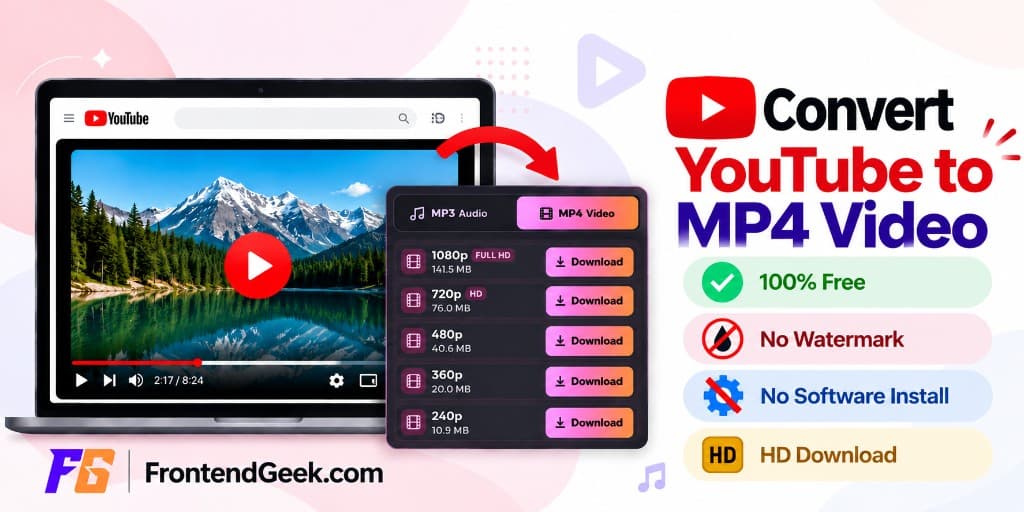
A YouTube to MP4 Converter is a free online tool that converts YouTube videos into downloadable MP4 files you can save on your android, iPhone, PC or mac device.
This YT to MP4 converter runs in your browser: paste a link, load a quick youtube video details, and download the MP4 in HD/4K without login or any Sign-Up.
Whether you need to convert YouTube to MP4 for offline viewing during travels, personal archives you own, this tool helps you to download youtube mp4 with simple steps.
How to use
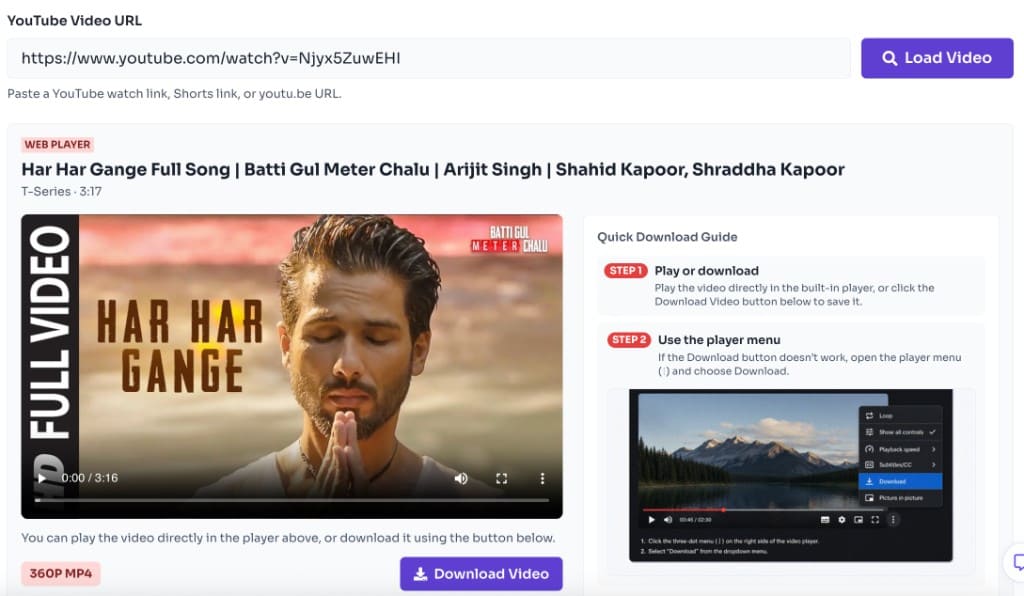
To convert YouTube to MP4, paste a YouTube watch URL, Shorts link, or youtu.be link into the tool. The YouTube to MP4 converter fetches video metadata, prepares a browser-playable stream, and lets you save an MP4 file after confirming the terms prompt. Load the video, watch it if you want, then click Download MP4.
Copy the video link from YouTube and paste it into the input box. Watch links, Shorts links, and youtu.be URLs are all supported.
Click Load Video to fetch the title, channel, duration, thumbnail, and prepare the player. This step tells the YouTube to MP4 converter which stream to convert.

Use the built-in web player to preview the video before converting. The tool automatically selects the best playable MP4-compatible quality.
Click Download MP4, confirm the terms prompt if shown, and save the file. No login is required. You can also use the player menu (⋮) shown in the Quick Download Guide if needed.
Why use it
Features
Preview and download MP4 videos for free — no account or sign-in needed.
Preview before you convert. Play the video in your browser, then download MP4 with one click.
Load video details in seconds without installing desktop software.
Use the YouTube to MP4 converter for free with no watermark on downloaded files.
Convert and save MP4s wherever you browse. The YouTube to MP4 flow works across phones and computers so you can move a file into CapCut, iMovie, VLC, or your gallery without a special desktop client.
Safari or Chrome; save via Downloads / Files.
Chrome or Firefox on phones and tablets with download support.
Edge, Chrome, Firefox, and other desktop browsers on Windows.
Safari, Chrome, or Firefox on macOS — no codec pack required.
Any modern browser that supports file downloads, including Linux.
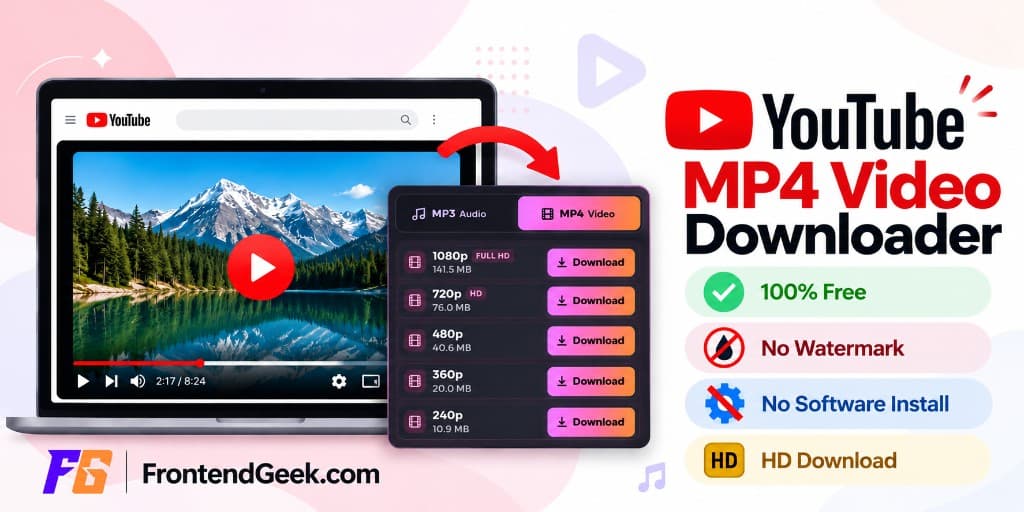
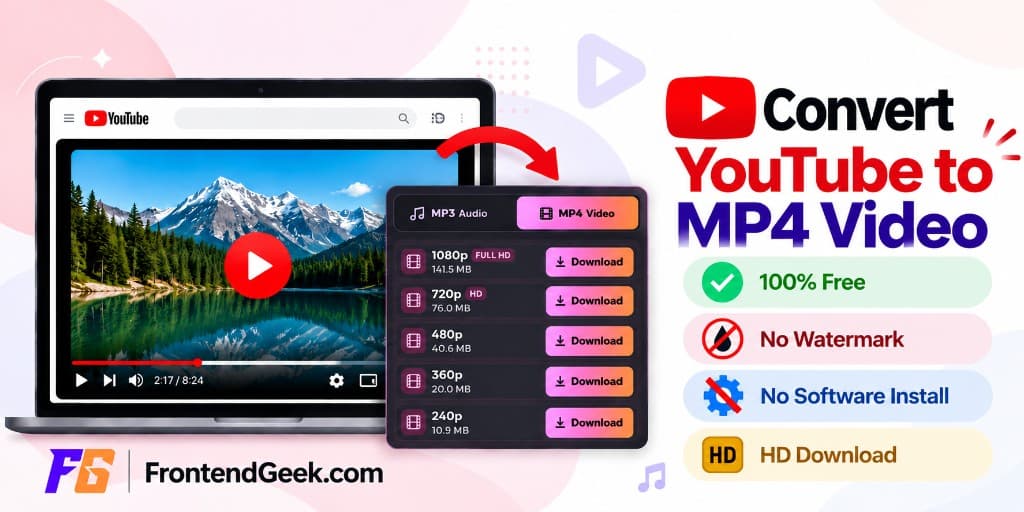
Our YouTube to MP4 converter targets the MP4 container — the format phones, editors, and browsers understand by default.
| Format | Quality | Best for |
|---|---|---|
| MP4 | 2160p (4K) | Ultra HD on large TVs and 4K monitors — sharpest detail when YouTube offers it |
| MP4 | 1080p (Full HD) | Crisp HD for laptops, TVs, and most editing workflows |
| MP4 | 720p (HD) | Clear HD with smaller files — great for phones and everyday offline viewing |
| MP4 | 480p (SD) | Standard definition that balances clarity and storage on mobile |
| MP4 | 360p (SD) | Light SD downloads for slower connections or limited storage |
| MP4 | 240p (SD) | Very small files when you only need a quick preview or voice-focused clip |
| MP4 | 144p (SD) | Lowest size for basic playback when bandwidth or space is tight |
Here is why FrontendGeek is a simpler choice when you want to convert YouTube to MP4 — without clutter, account walls, or extra software.
Paste a YouTube link and download MP4 right away. You do not need an account, email, or sign-up to start.
Pick the quality that fits your screen and storage — from SD to HD and 4K when YouTube makes those streams available.
Your MP4 stays clean. We do not stamp a logo or promo on files you are allowed to keep offline.
Everything runs in your browser. Skip shady installers, browser add-ons, and forced converter apps.
FrontendGeek keeps a familiar, clean workflow across YouTube, Instagram, Facebook, and other download tools you already use.
Stuck converting YouTube to MP4? Double-check the link format, wait for Load Video to finish, then pick a quality that includes audio when you need sound. Private, age-gated, or geo-restricted clips often fail by design.
Paste a full watch URL, Shorts link, or youtu.be link — not a channel page or search results URL. Invalid links prevent the converter from fetching an MP4 stream.
If Download MP4 does nothing, wait for the preview to finish loading, then try the player menu path shown in the Quick Download Guide on this page.
Lower the selected quality if a high-resolution option fails to start. Browser-friendly MP4 options with audio may differ from separate video-only tracks on YouTube.
Clear a stuck tab with a hard refresh, then click Load Video once more before retrying. Peak traffic can slow stream preparation.
If a terms prompt appears, confirm it to continue — no account or login is required. Preview still works before you download.
Use stable Wi‑Fi for large 1080p MP4 saves and keep the browser tab open until the download finishes writing to your device.
Convert YouTube to MP4 only when you own the video, have a license, or otherwise have permission to store a local copy. Do not use this converter to pirate movies, music videos, or other protected works. Follow copyright law, YouTube Terms of Service, and local regulations. FrontendGeek provides a technical conversion helper — responsibility for lawful use stays with you.
FAQ
Quick answers about Free YouTube to MP4 Converter.
Yes. FrontendGeek's YouTube to MP4 converter is free. You can preview and download MP4 files without creating an account or paying for a plan.
Guides
Step-by-step Instant Download help, format comparisons, and troubleshooting from the Tools Guide.



Languages
Help others discover this free tool
Explore
Quick Download Guide
How to download YouTube MP4
Follow these steps to download from YouTube quickly.
Provide URL and click Download
Paste a YouTube URL, load the video preview, then click the Download button under the thumbnail.
Select required MP4 quality
Choose the MP4 video quality you need — the file is prepared immediately for automatic download in your browser.