
Newsletter
Stay Updated
Subscribe to FrontendGeek Hub for frontend interview preparation, interview experiences, curated resources and roadmaps.
Newsletter
Subscribe to FrontendGeek Hub for frontend interview preparation, interview experiences, curated resources and roadmaps.
Image Tools
Instantly resize any JPG, PNG, WebP, HEIC image online using free Image Resizer by pixels, percent & popular sizes. Free, Fast & No Account Required.
Related
Overview
An online image resizer changes the pixel dimensions of a photo so it fits websites, forms, social platforms, or storage limits while keeping the image usable.
How to use
Upload a JPG, PNG, WebP, GIF, or BMP image to get started.
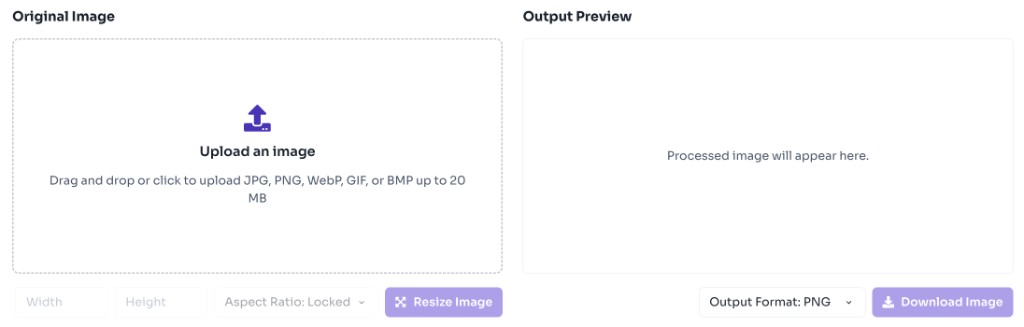
Enter the target width and height. Enable lock aspect ratio to preserve proportions.
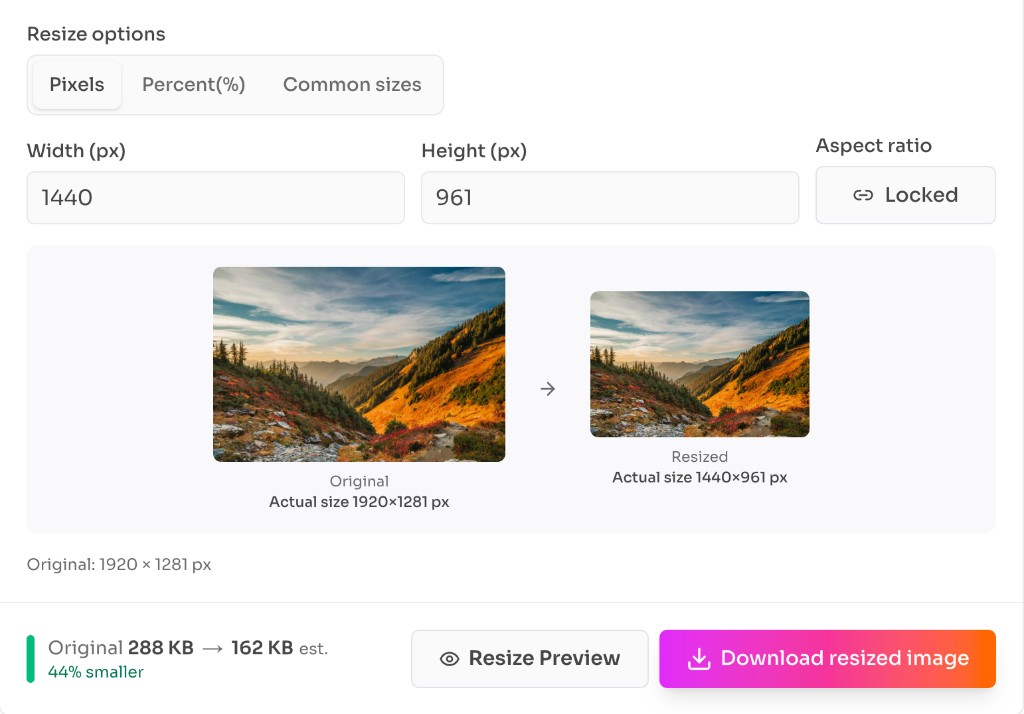
Select PNG, JPEG, or WebP for the resized download.
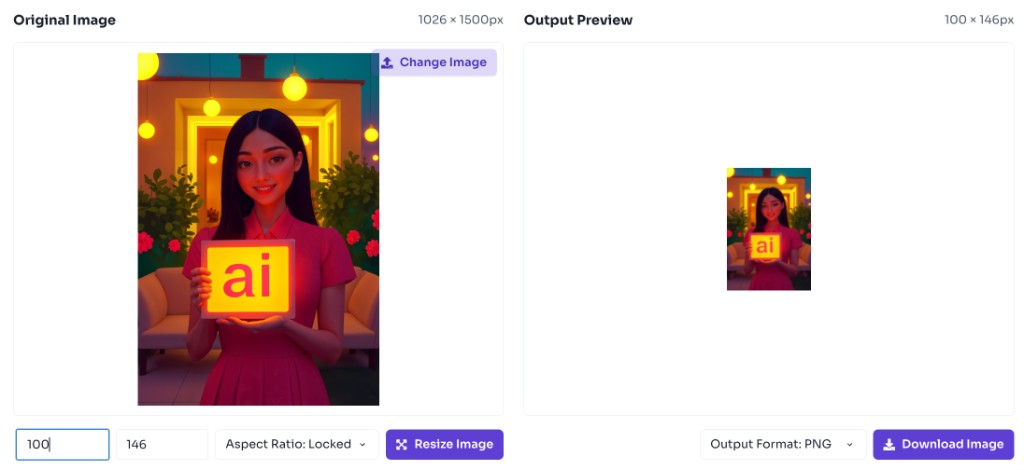
Preview the result and download the resized image instantly.
Why use it
Use an online image resizer when the pixel dimensions of a photo matter more than reframing it. Resizing helps images fit upload limits, layout requirements, and performance goals.
Features
Resize to exact width and height
Lock aspect ratio to avoid distortion
Export as PNG, JPEG, or WebP
Preview resized output before download
Private browser-based processing
FAQ
Quick answers about Image Resizer.
Making an image smaller usually keeps good visual quality. Enlarging images may look softer because new pixels are interpolated.
Help others discover this free tool
Explore