WebP to PNG Converter Online

Convert WebP to PNG online for free in seconds. Upload a WebP image, preview the PNG output, and download instantly in your browser.

PDF to PNG Converter
SVG to PNG Converter

WebP Image

Upload a WebP file

Drag and drop or click to upload WebP up to 20 MB

PNG Image

Click Convert to preview PNG output.

What is an Online WebP to PNG Converter?

An online WebP to PNG converter changes WebP images into PNG files for broader compatibility with editors, documents, and older tools.

Benefits

• Convert WebP to PNG in seconds

• Preview PNG output before download

• Use PNG anywhere WebP is not supported

• Works entirely in your browser

• No account required

Use this WebP to PNG converter when you need a universally supported raster format from a WebP source.

When to use WebP to PNG Converter?

WebP is efficient on the web, but PNG remains the safest interchange format across many desktop apps.

Common use cases

• Opening WebP downloads in tools that only support PNG

• Converting WebP assets for slide decks and PDF workflows

• Preparing WebP images for older image editors

• Sharing images with teams that require PNG

• Creating PNG backups of WebP assets

PNG is a dependable fallback when compatibility matters more than file size.

How to Use WebP to PNG Converter Online?

1

Upload Your WebP

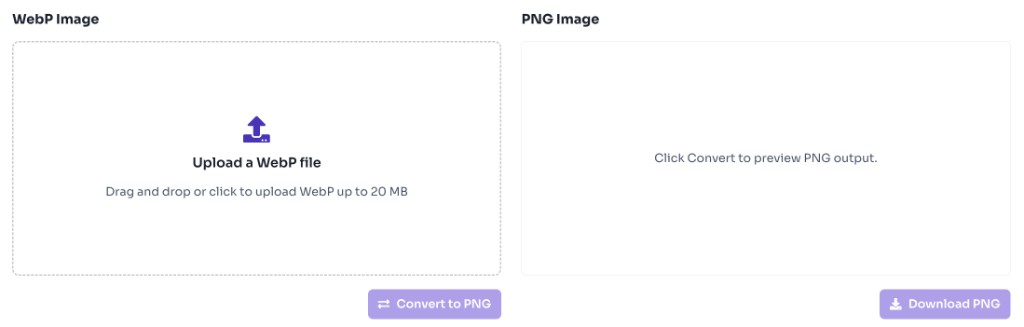
Upload a WebP file up to 20 MB.

WebP to PNG converter upload area with drag and drop zone
2

Convert to PNG

Click Convert to PNG to generate the PNG preview.

3

Download PNG

Download the converted PNG file instantly.
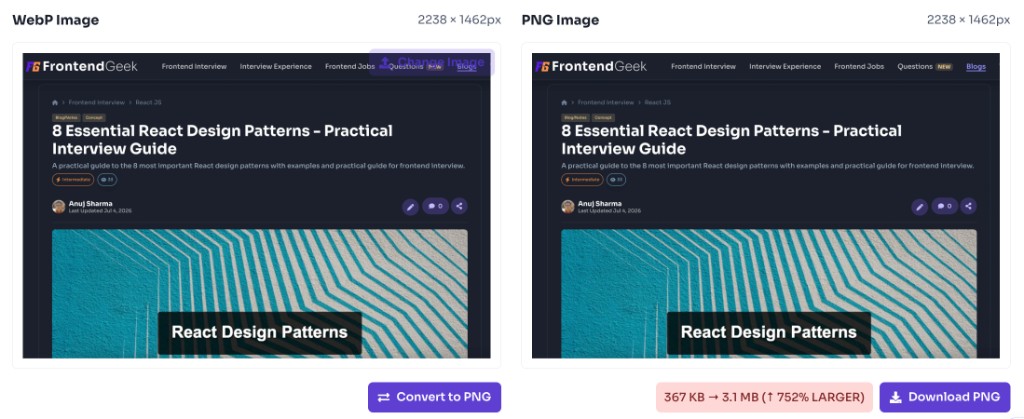
WebP to PNG converter showing converted PNG preview and download button

Frequently Asked Questions - FAQs

Is this WebP to PNG converter free?

Yes. This tool is completely free with no login required.

Will transparency be preserved?

Yes. PNG supports transparency, so transparent WebP areas remain transparent when possible.

Are my images uploaded to a server?

No. Conversion happens locally in your browser.

Is this converter safe to use?

Yes. Your files are processed entirely in your browser and are not uploaded to our servers, stored, or shared.

Love this tool? Share it!

Help others discover this resource

More Tools

Discover more free tools to boost your productivity

All Tools

Box

Box Shadow CSS Generator Online

Gradient

HEX: #ff5733

RGB: 255, 87, 51

HEX: #4a90e2

RGB: 74, 144, 226

Blog Post

Transform your content...

Social Post

Stay Updated

Subscribe to FrontendGeek Hub for frontend interview preparation, interview experiences, curated resources and roadmaps.

FrontendGeek
FrontendGeek

All in One Preparation Hub to Ace Frontend Interviews. Master JavaScript, React, System Design, and more with curated resources.

Consider Supporting this Free Platform

Buy Me a Coffee

Product

HomeFrontend InterviewFrontend JobsQuestionsNewInterview ExperienceBlogsToolsLeaderboardFrontendGeek Chrome extensionGet the extension on the Chrome Web Store →

From Creator

© 2026 FrontendGeek. All rights reserved