
Newsletter
Stay Updated
Subscribe to FrontendGeek Hub for frontend interview preparation, interview experiences, curated resources and roadmaps.
Newsletter
Subscribe to FrontendGeek Hub for frontend interview preparation, interview experiences, curated resources and roadmaps.
Social Tools
Generate custom YouTube embed iframe code with autoplay, mute, loop, controls, start/end times, and privacy-enhanced mode. Live preview included.
Related
Overview
A YouTube Embed Generator builds iframe HTML for any public video so you can control size, autoplay, mute, loop, branding, and start/end times before pasting into a site or CMS.
How to use
Enter a YouTube watch, Shorts, or youtu.be link.
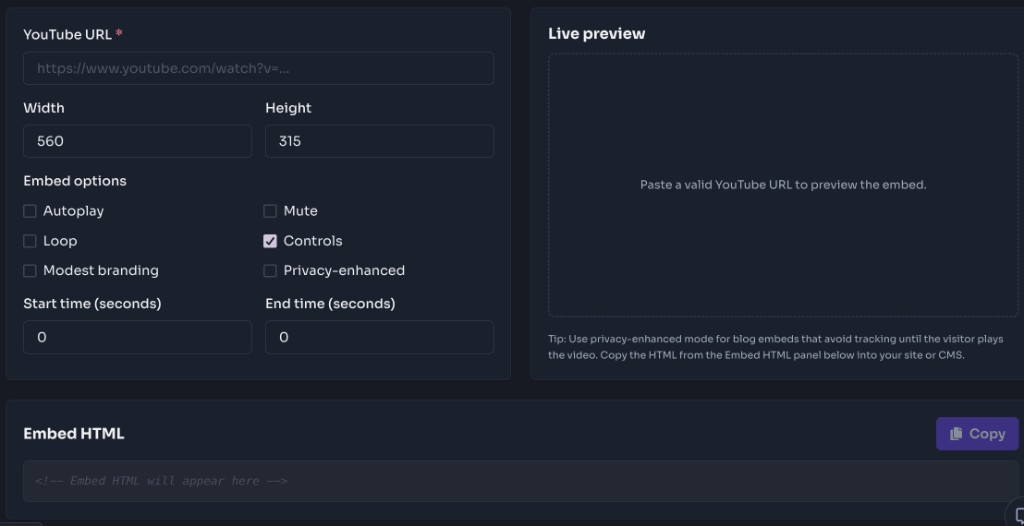
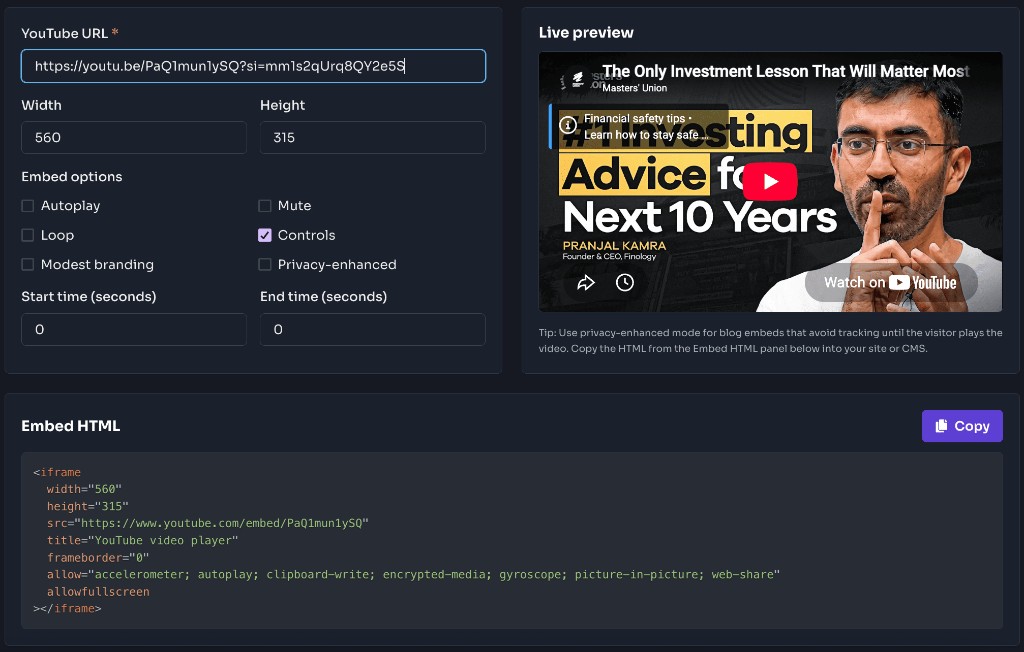
Choose width, height, and toggles like autoplay, mute, loop, and privacy mode.
Preview the iframe, then copy the HTML into your site.
Why use it
Generate clean iframe code for educational videos so readers can watch without leaving your documentation or blog.
Customize size, controls, and start time so product or campaign pages open on the right moment in the video.
Turn on mute and loop for ambient hero embeds that play without interrupting the page experience.
Limit the embed to a specific chapter or demo section using start and end parameters.
Switch to youtube-nocookie embeds when you want fewer cookies until the visitor chooses to play the video.
Features
Live preview of the embed before you copy
Toggles for autoplay, mute, loop, and controls
Privacy-enhanced youtube-nocookie embeds
Start and end time parameters
One-click copy of ready-to-paste HTML
FAQ
Quick answers about YouTube Embed Generator.
YouTube requires playlist=videoId (same as the video) for single-video loop embeds to work reliably.
Guides
Step-by-step Instant Download help, format comparisons, and troubleshooting from the Tools Guide.
Help others discover this free tool
Explore