
Newsletter
Stay Updated
Subscribe to FrontendGeek Hub for frontend interview preparation, interview experiences, curated resources and roadmaps.
Newsletter
Subscribe to FrontendGeek Hub for frontend interview preparation, interview experiences, curated resources and roadmaps.
Social Tools
Free Anonymous Instagram Story Viewer Online — View all active Stories from a public Instagram username or profile URL. No Instagram login
Related
How to use
Type @username or paste https://www.instagram.com/username/. For a full profile browse with posts and highlights, open the Anonymous Instagram Viewer.
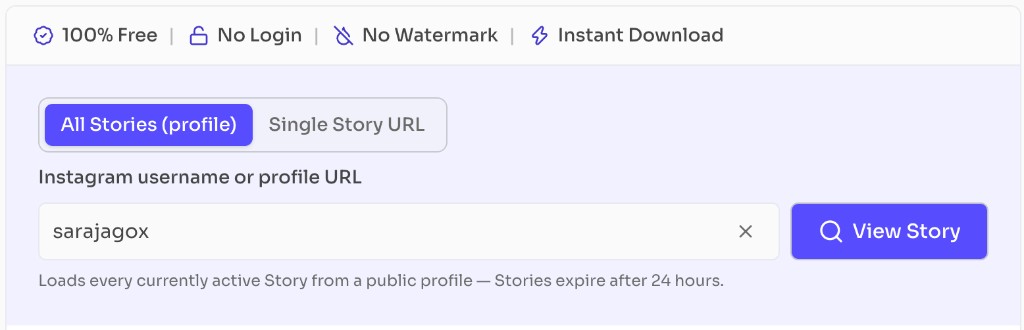
Click View Story to load the anonymous embed and preview every currently active Story.
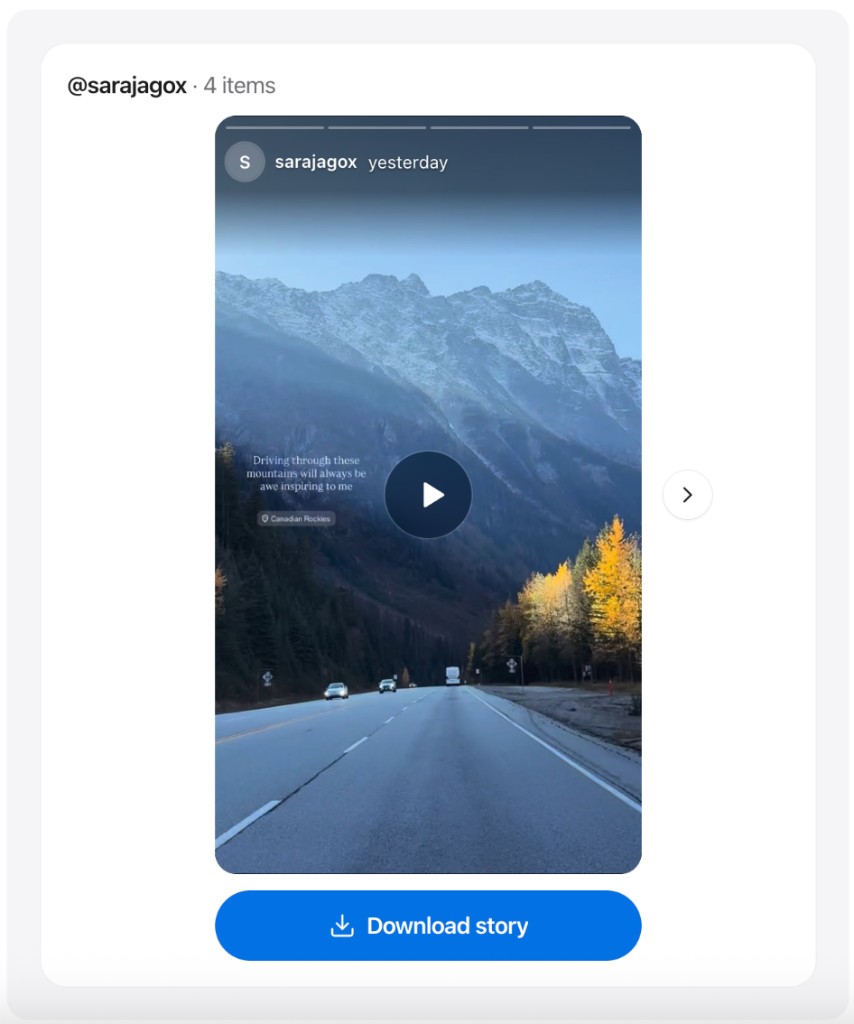
Preview the Story tray, then download if a public download action is available. Prefer a dedicated Instagram Story save page when you mainly need to archive media.
Why use it
Features
Load every currently active Story from a public Instagram username or profile URL.
Watch public Stories anonymously in your browser. For Reels instead of Stories, use the Instagram Reel Downloader.
Clear guidance when Stories expire or trays are empty. For general video saves, try the Instagram Downloader.
Works on phones, tablets, and desktop browsers with no app install.
Save public Story photos or videos when a download action is available. Prefer the Instagram Story Downloader for a dedicated save workflow.
Browse multiple active Stories in a carousel so you can swipe or step through every live slide from a public profile.
Instagram Stories typically disappear after 24 hours. If this Story Viewer shows nothing, the most common reasons are expiry, a private account, or no active Stories on that profile.
FAQ
Quick answers about Anonymous Instagram Story Viewer.
It means you can open public Instagram Stories in your browser without signing into Instagram, so the view is not tied to your Instagram account. You still only see content that is publicly available.
Guides
Step-by-step Instant Download help, format comparisons, and troubleshooting from the Tools Guide.
Help others discover this free tool
Explore