
Newsletter
Stay Updated
Subscribe to FrontendGeek Hub for frontend interview preparation, interview experiences, curated resources and roadmaps.
Newsletter
Subscribe to FrontendGeek Hub for frontend interview preparation, interview experiences, curated resources and roadmaps.
Social Tools
Free LinkedIn Banner Generator to create custom profile banners. Use gradients, patterns, stock photos, or your own images, add custom text, and download a 1584×396 PNG instantly.
Related
Overview
A LinkedIn banner generator creates profile cover images at the official 1584×396 size. Choose a background, add headline and subtitle text, align your message, and export a PNG ready to upload.
How to use
Open Banner Config and pick Gradients, Stock Photos, or Upload. Browse Professional, Business, Tech, Nature, or Abstract, then click a thumbnail to apply it to your live preview.
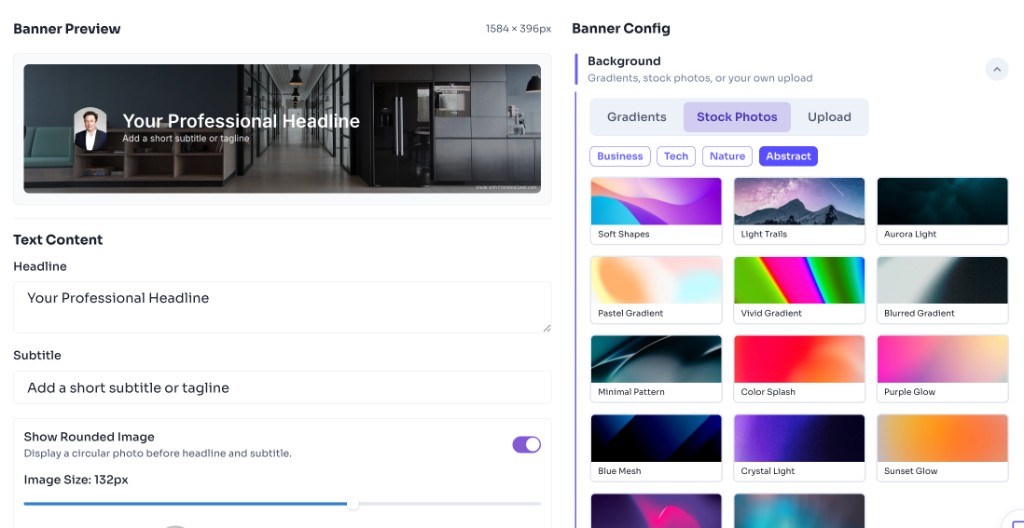
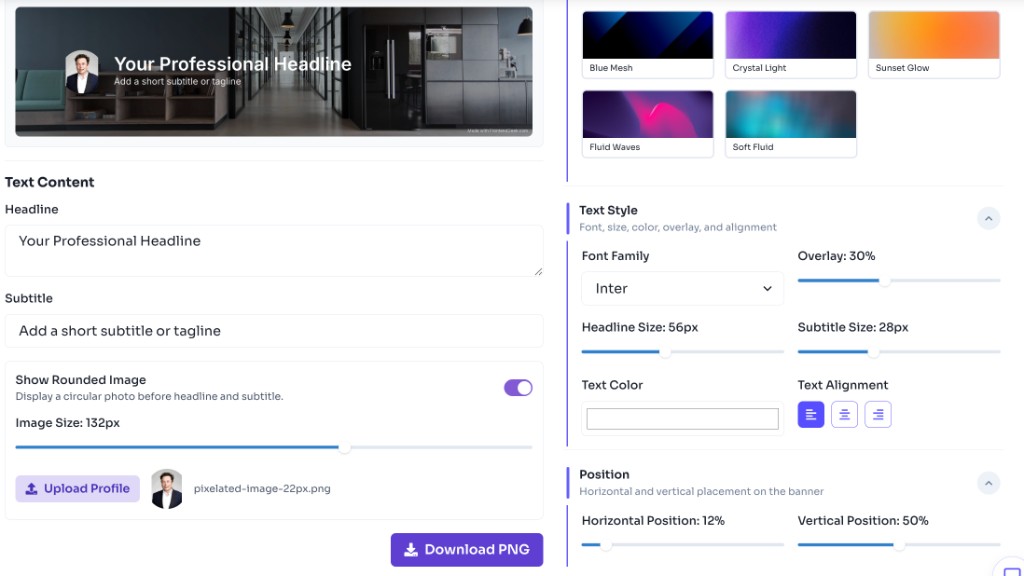
Enter your headline and subtitle on the left. Turn on Show Rounded Image to upload a profile photo, adjust its size, then fine-tune font, colors, alignment, and position in Text Style and Position.
Review the 1584×396 preview, sign in for free if prompted, then click Download Banner to save your LinkedIn cover image ready for upload.
Features
Official LinkedIn cover size (1584×396)
Professional templates, gradients, stock photos, and uploads
Custom headline and subtitle with alignment controls
Fast live canvas preview
Download PNG after free sign-in
FAQ
Quick answers about Free LinkedIn Banner Generator.
Yes. FrontendGeek's LinkedIn Banner Generator is free to use. You can design banners in your browser; a free sign-in is required to download the PNG.
Guides
Format comparisons and quality help from the Tools Guide.
Help others discover this free tool
Explore