Image Cropper Online

Crop images online for free in seconds. Upload a photo, drag to select the area, and download the cropped image instantly in your browser.

Image Resizer
Image Upscaler

Original Image

Upload an image

Drag and drop or click to upload JPG, PNG, WebP, GIF, or BMP up to 20 MB

Cropped Image Preview

Processed image will appear here.

What is an Online Image Cropper?

An online image cropper lets you trim photos to the exact area you need — removing unwanted edges, focusing on a subject, or matching a specific aspect ratio — without installing software.

Benefits

• Crop images in seconds with drag selection

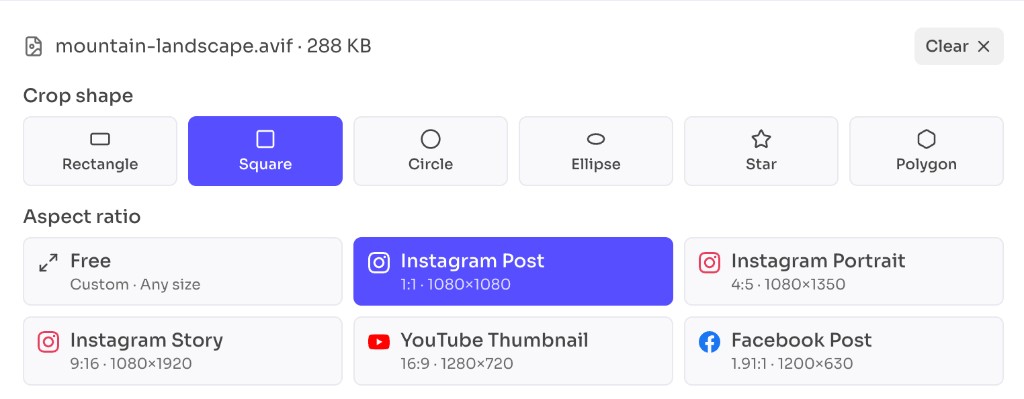
• Choose common aspect ratios like 1:1, 16:9, and 4:3

• Export as PNG, JPEG, or WebP

• Works entirely in your browser

• No account or watermark required

Use this image cropper for profile photos, social posts, thumbnails, and any image that needs a tighter frame.

When to use Online Image Cropper?

An online image cropper is the fastest way to reframe a photo when you need a tighter composition, a specific aspect ratio, or a cleaner subject focus without opening desktop editing software.

Common use cases

• Profile pictures and social media posts that need 1:1, 4:5, or 16:9 framing

• Removing distracting edges, watermarks, or empty space around a subject

• Creating thumbnails, banners, and hero images for websites

• Cropping product photos for listings, catalogs, and marketplaces

• Preparing passport, resume, or form photos to required dimensions

If your image already has the right size but needs a better frame, cropping should be your first step before resizing or applying other effects.

How to Use Image Cropper Online?

1

Upload Your Image

Click the upload area or drag and drop a JPG, PNG, WebP, GIF, or BMP file.
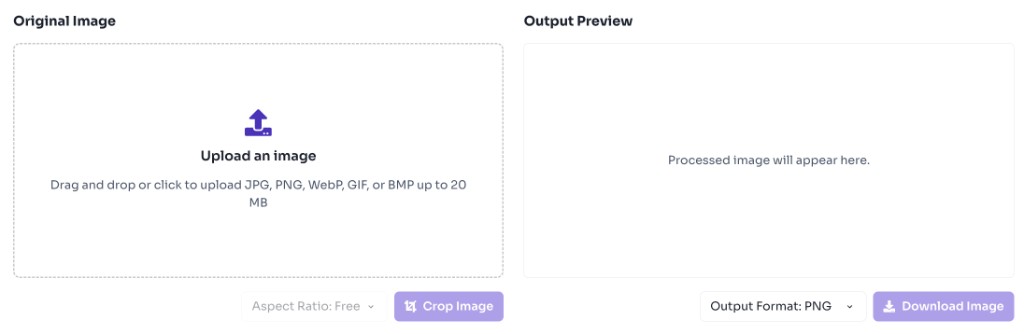
Image cropper upload area with drag and drop zone
2

Select Crop Area

Drag on the image to choose the region you want to keep. Pick an aspect ratio if needed.

3

Crop and Preview

Click Crop Image to generate the cropped preview instantly.
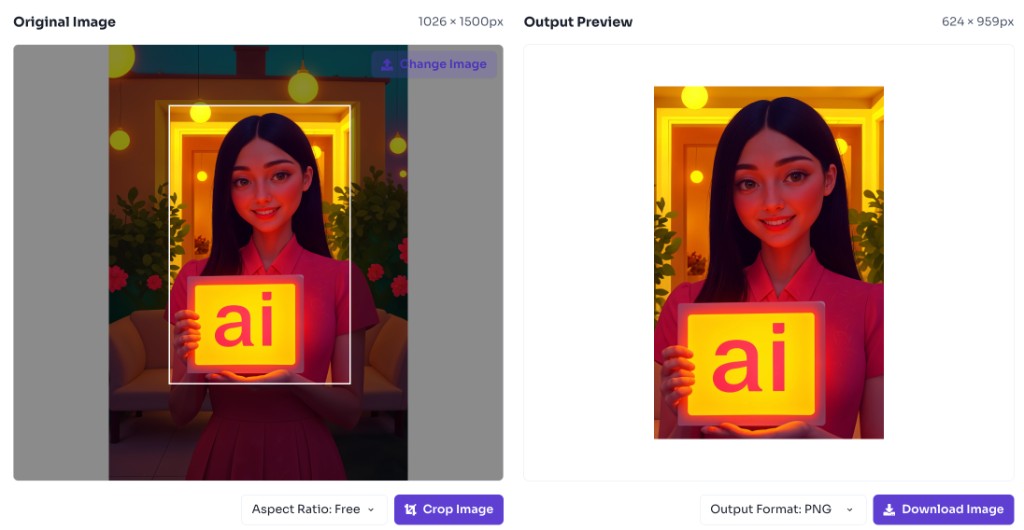
Image cropper showing crop selection and output preview side by side
4

Download Result

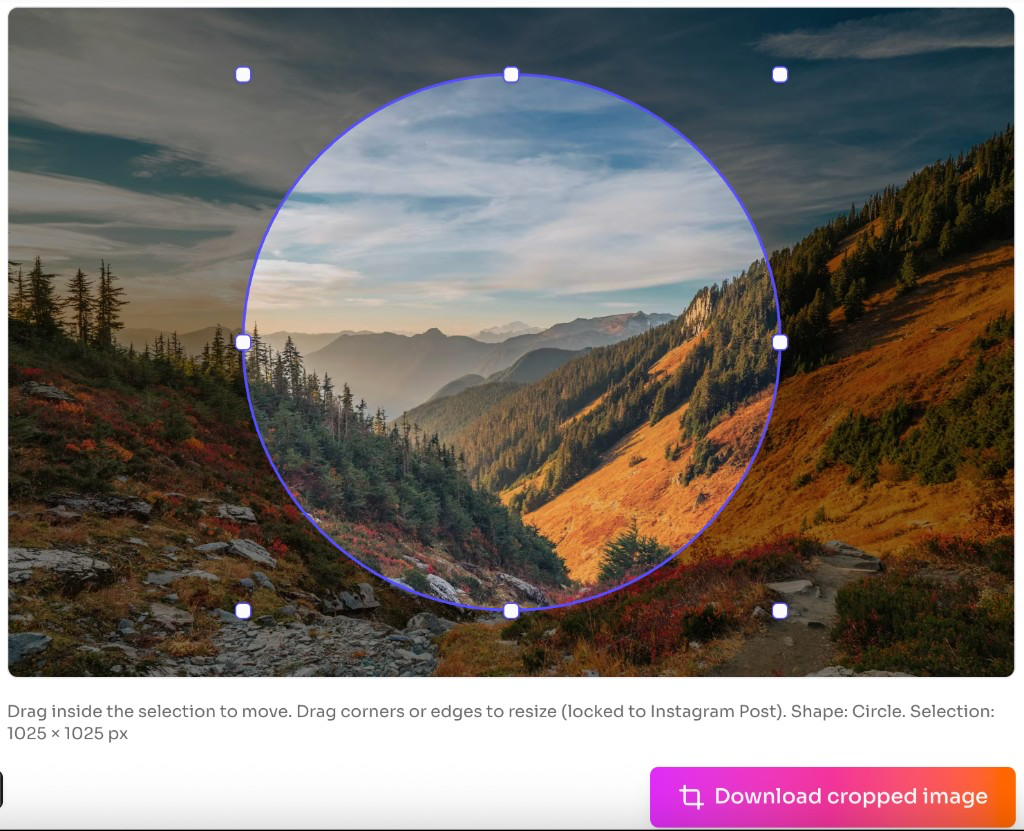
Download the cropped image in your preferred format.
Frequently Asked Questions - FAQs

Is this image cropper free?

Yes. This tool is completely free with no login required.

Are my images uploaded to a server?

No. Cropping happens locally in your browser.

Is this online image cropper safe to use?

Yes. Your images are processed entirely in your browser and are not uploaded to our servers, stored, or shared. This keeps your files private on your device.

Which image formats are supported?

You can upload JPG, PNG, WebP, GIF, and BMP files and download PNG, JPEG, or WebP output.

Love this tool? Share it!

Help others discover this resource

More Tools

Discover more free tools to boost your productivity

All Tools

Box

Box Shadow CSS Generator Online

Gradient

HEX: #ff5733

RGB: 255, 87, 51

HEX: #4a90e2

RGB: 74, 144, 226

Blog Post

Transform your content...

Social Post

Stay Updated

Subscribe to FrontendGeek Hub for frontend interview preparation, interview experiences, curated resources and roadmaps.

FrontendGeek
FrontendGeek

All in One Preparation Hub to Ace Frontend Interviews. Master JavaScript, React, System Design, and more with curated resources.

Consider Supporting this Free Platform

Buy Me a Coffee

Product

HomeFrontend InterviewFrontend JobsQuestionsNewInterview ExperienceBlogsToolsLeaderboardFrontendGeek Chrome extensionGet the extension on the Chrome Web Store →

From Creator

© 2026 FrontendGeek. All rights reserved