
Newsletter
Stay Updated
Subscribe to FrontendGeek Hub for frontend interview preparation, interview experiences, curated resources and roadmaps.
Newsletter
Subscribe to FrontendGeek Hub for frontend interview preparation, interview experiences, curated resources and roadmaps.
Chrome extension
Save LinkedIn frontend jobs and YouTube resources to FrontendGeek with one click. Get started in minutes.
Follow these simple steps to install the extension and start saving frontend jobs from LinkedIn.
Install the extension with one click from the Chrome Web Store. No developer mode or manual setup required.
Download from Chrome Web StoreClick the extension icon and sign in with your Google account. Use the same credentials as frontendgeek.com for a seamless experience.
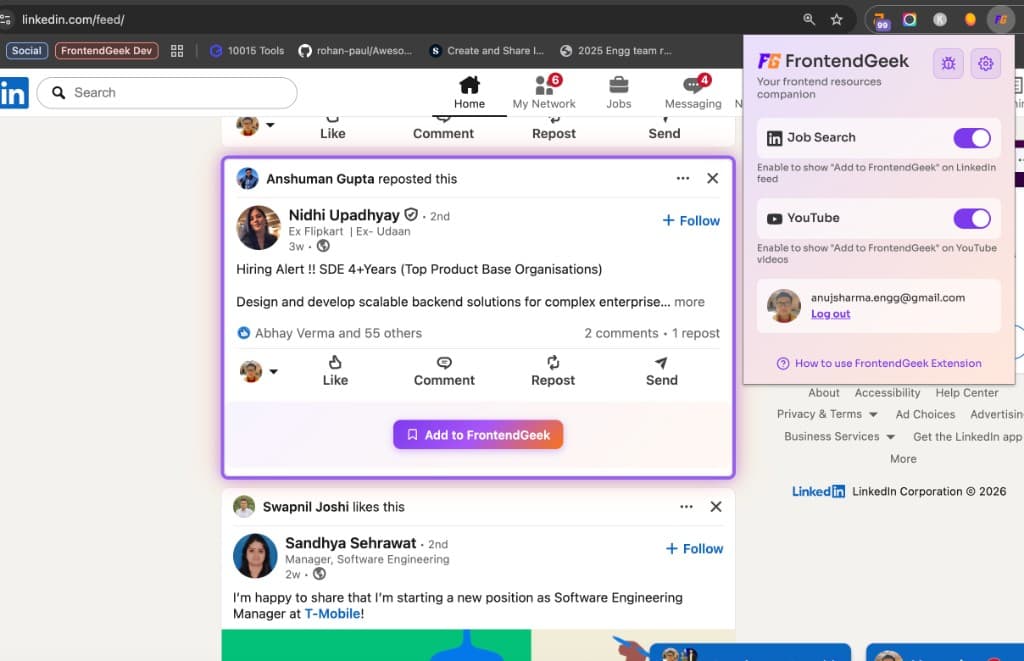
Turn on the Job Search toggle in the extension. The extension will show an “Add to FrontendGeek” button on LinkedIn posts that mention frontend-related keywords.
All LinkedIn jobs you save are collected in one place. Browse, filter, and apply to frontend opportunities from the FrontendGeek jobs page.
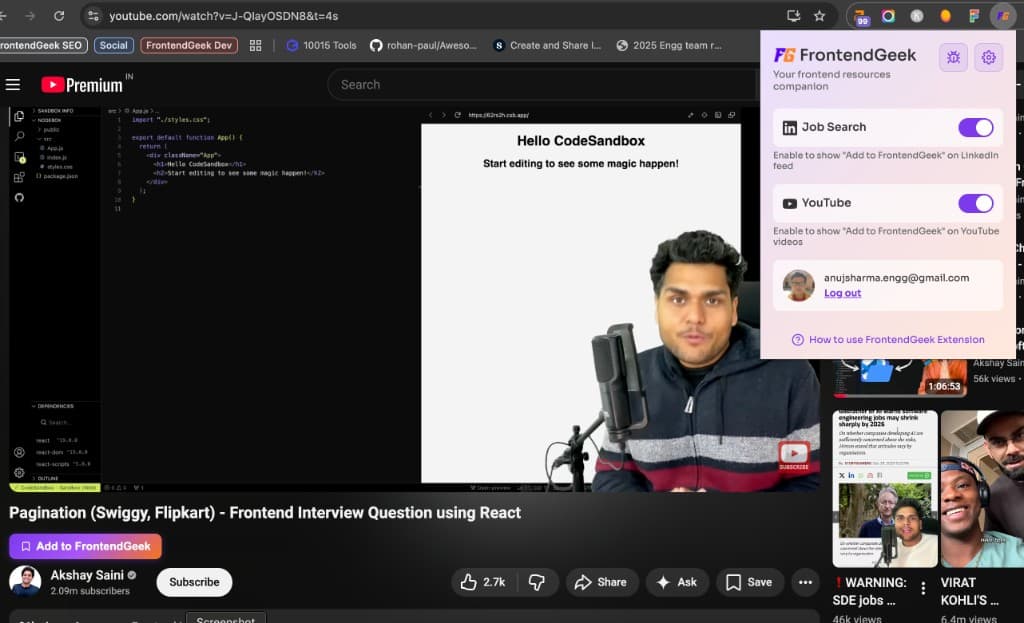
View FrontendGeek JobsTurn on YouTube contributions to get the “Add to FrontendGeek” button on YouTube videos. Quickly submit helpful frontend tutorials and resources.
Everything you need to discover and share frontend opportunities.
See an interesting frontend job on your LinkedIn feed? Click “Add to FrontendGeek” and it’s saved instantly—no copy-pasting or switching tabs.
Found an excellent frontend tutorial or interview prep video? Enable the YouTube toggle and contribute it directly to FrontendGeek.
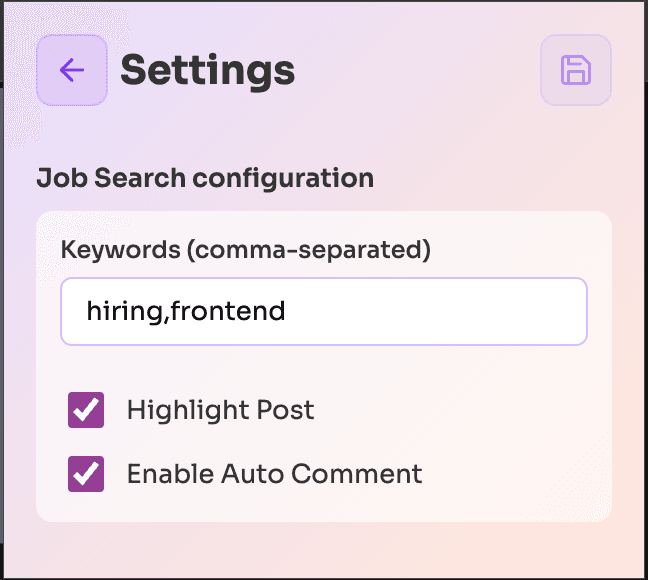
The extension automatically detects frontend-related posts based on keywords. Enable Job Search and relevant posts show the save button.
Sign in with the same Google account you use on frontendgeek.com. Saved jobs and contributions sync across the extension and website.
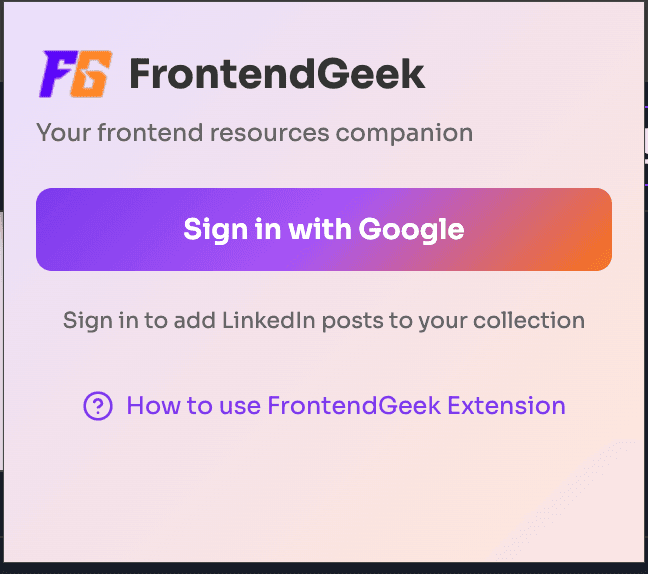
Sign in with the same account as frontendgeek.com. One account across the website and extension.
Save frontend jobs from your LinkedIn feed based on mentioned keywords. One click to add.
Submit YouTube tutorials and resources directly to FrontendGeek. Enable the toggle and contribute.
Install the FrontendGeek extension and start saving frontend jobs from LinkedIn in seconds.