
Guide
How to Download Instagram Videos for Free
Updated Oct 7, 2026
Want to save an Instagram video or Reel to your phone or laptop without paying for an app? This guide shows a free browser flow on FrontendGeek: copy the Instagram link, paste it into the Instagram Video Downloader or Instagram Reel Downloader, preview the clip, and Instant Download an MP4. Use it for your own content, public posts you have permission to keep, or material you are allowed to save offline.

Free YouTube Download Tools
What you need before you start
- A modern browser (Chrome, Safari, Edge, or Firefox)
- A public Instagram video, Reel, or post URL from Copy link
- A free FrontendGeek sign-in when the download step requires it
- Enough storage for the MP4 file size
Step-by-step: download an Instagram video for free
- 1
Copy the Instagram video link
Open the video or Reel in the Instagram app or on Instagram.com. Tap the Share / ··· menu and choose Copy link. You need the full https://www.instagram.com/… URL — not a screenshot.

- 2
Open the Instagram Video Downloader
Go to the Instagram Video Downloader on FrontendGeek. For Reels, use Instagram Reel Downloader. For Stories, use Instagram Story Downloader. All of these tools are free to use in your browser.

- 3
Paste the URL and fetch the video
Paste the Instagram link into the input field and click Fetch Video (or the equivalent load button). Confirm the preview thumbnail and title match the clip you intended.

- 4
Download the MP4
Click Download Video (or Download Reel). Sign in with a free FrontendGeek account if prompted, then save the MP4 to your Downloads folder. Open it in Files (iPhone), Files / Downloads (Android), or Finder / File Explorer on desktop.

Videos vs Reels vs Stories
Feed videos and Reels both save as MP4, but Reels are usually vertical. Use Instagram Reel Downloader when the link contains /reel/. Use Instagram Story Downloader for temporary Story links before they expire. Instagram Post Downloader is better when a post mixes photos and video and you want to pick the media item.
- Instagram Video Downloader — public video posts
- Instagram Reel Downloader — /reel/ links
- Instagram Story Downloader — Story URLs while they are still live
- Instagram to MP4 Converter — same Instant Download flow focused on MP4 output
Tips for a clean free download
- Only public Instagram links work — private accounts and expired Stories will not load
- Use Copy link from Instagram, not a shortened third-party redirect
- Stay on the page until Instant Download finishes
- If fetch fails, hard-refresh and paste again, or try Reel Downloader vs Video Downloader
- Prefer MP4 for CapCut, iMovie, WhatsApp, and most phones
Legal & fair use reminder
Only download Instagram content you own, have licensed, or are otherwise allowed to keep. Respect Instagram’s Terms of Use and copyright. FrontendGeek tools are for legitimate offline use — not for redistributing someone else’s Reels or videos.
More Guides for Social Tools, AI Tools & Other Developer Tools
 How Free Online Tools Grow Organic Traffic
 How to Delete Instagram Account — Step by Step
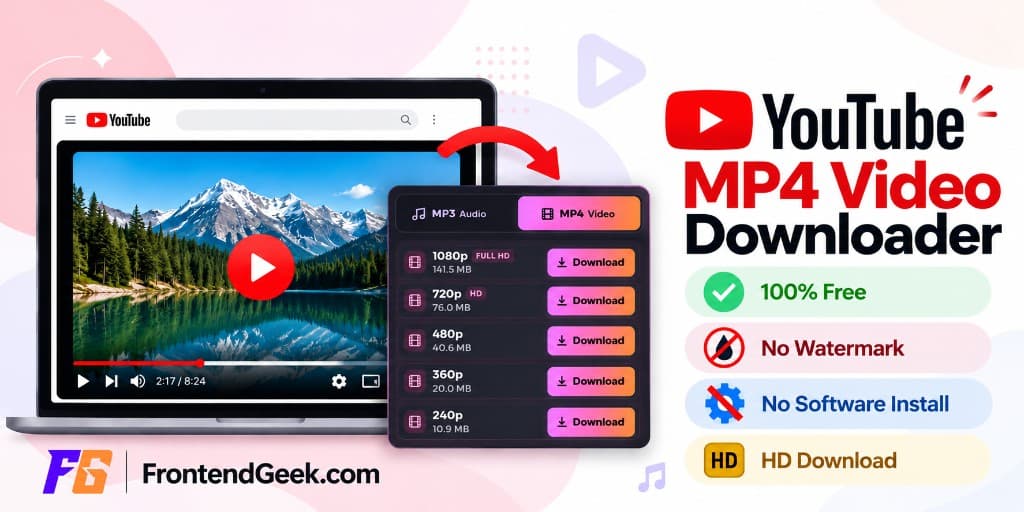 How to Download YouTube Videos for Free: Step-by-Step Guide (2026)
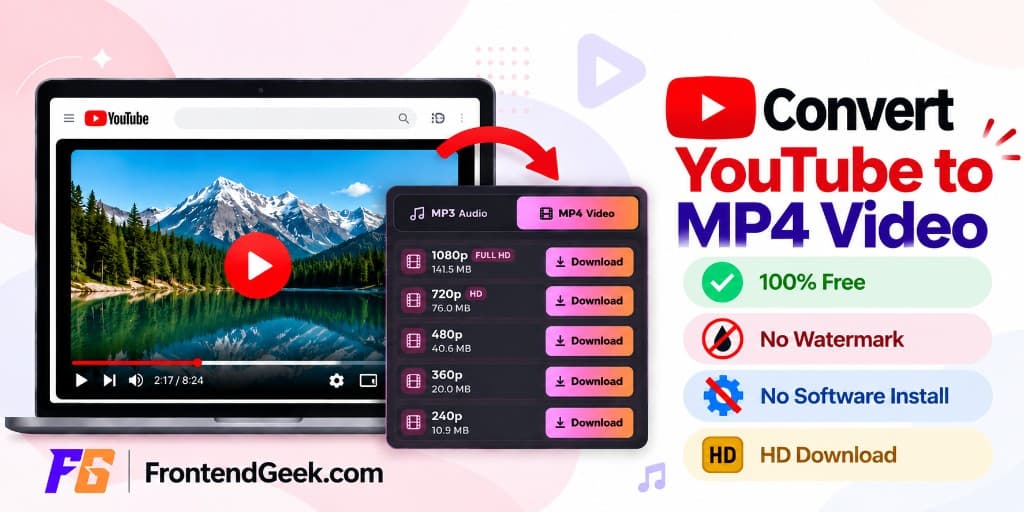 How to Convert Youtube to MP4 for Free
YouTube MP4 Download Not Working [Troubleshooting]
Understand Video Format & Quality — Best Video Quality to Download
MP4 vs WebM — Understand the Difference
MP4 vs MOV — Understand the Difference
Why Sometimes YouTube Downloads Have No Audio [Troubleshooting]
Or browse the full Tools How to Guide.
Found this guide useful?
Share it with someone learning YouTube downloads